The short answer
- iOS has no built-in temperature reading, and third-party apps can’t read internal sensors.
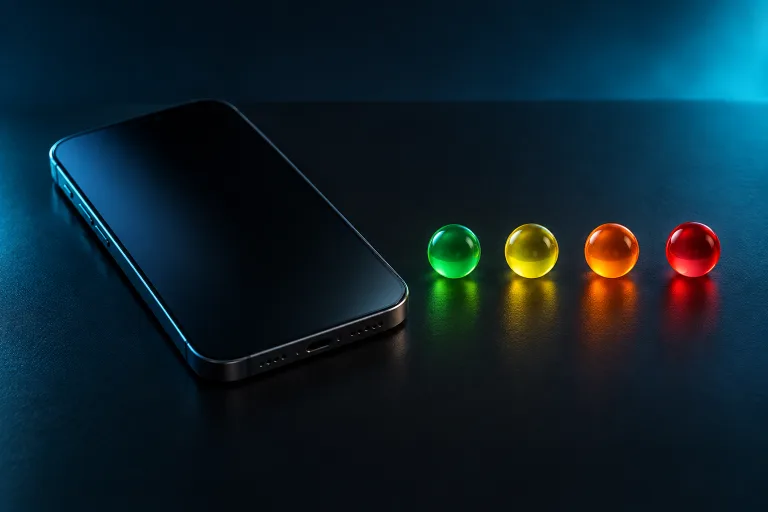
- Apps can read Thermal State: Nominal, Fair, Serious, or Critical.
- Any app that shows your iPhone’s temperature in degrees is estimating, not measuring.
What iOS lets apps see
Apple gives apps one thermal signal, ProcessInfo.ThermalState. It has four levels, defined by Apple like this (Apple Developer):
| State | Apple’s definition | What it usually means for you |
|---|---|---|
| Nominal | Within normal limits | Nothing to do. |
| Fair | Slightly elevated | A good moment to ease off if you’re gaming or charging. |
| Serious | High | iOS may be reducing performance. Take a break. |
| Critical | Significantly impacting performance; the device needs to cool down | Stop heavy tasks, unplug, and let it cool. |
Thermal State is the same signal iOS uses to manage thermal pressure, whether it comes from heavy work, charging, or a hot room. It isn’t a temperature, and Apple doesn’t publish the thresholds behind each level.
Why apps showing degrees are guessing
Because iOS doesn’t expose battery or processor temperature to apps, a phone temperature checker app that shows a number in °C or °F has to estimate it from something else. Treat those numbers as a guess, not a reading.
Signs your iPhone is too hot
Even without a number, iOS tells you when heat is a problem. Apple lists these changes when an iPhone goes past its normal operating range (Apple):
- Charging slows or stops, sometimes with “Charging On Hold”.
- The display dims or goes black.
- Mobile signal weakens.
- The camera flash or other camera features are temporarily disabled.
- Apps and games run with lower frame rates.
- A full-screen “Temperature” warning appears.
How to check Thermal State
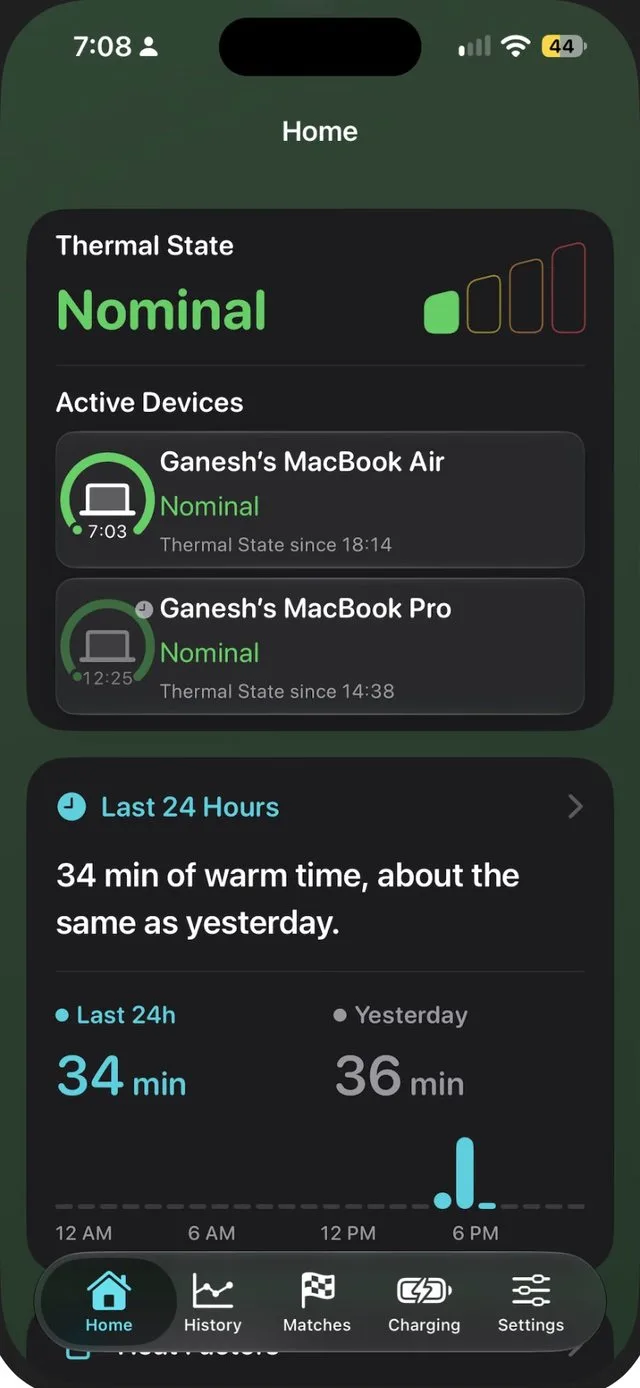
Sabja shows your current Thermal State on Home for free. With Sabja Pro, it also appears on the Lock Screen and Home Screen, on Apple Watch, and in the Mac menu bar, and you get an alert when it rises or eases.
Check your Thermal State
Download Sabja to see the same thermal signal iOS uses, without made-up degrees.
Get Sabja on the App StoreFrequently asked questions
Can an app show my iPhone battery temperature in Celsius?
Not from a real sensor reading. iOS doesn’t let third-party apps read battery or processor temperature. Apps can read Apple’s Thermal State, which has four levels.
What do Nominal, Fair, Serious, and Critical mean?
They’re Apple’s four Thermal States. Nominal is within normal limits, Fair is slightly elevated, Serious is high, and Critical means thermal pressure is significantly affecting performance and the device needs to cool down.
Does iPhone have a built-in temperature check?
No. Settings doesn’t show a temperature. iOS only tells you when heat becomes a problem, for example with “Charging On Hold” or a temperature warning screen.